
Immersive Translation Chrome Extension
Immersive Translation Chrome Extension
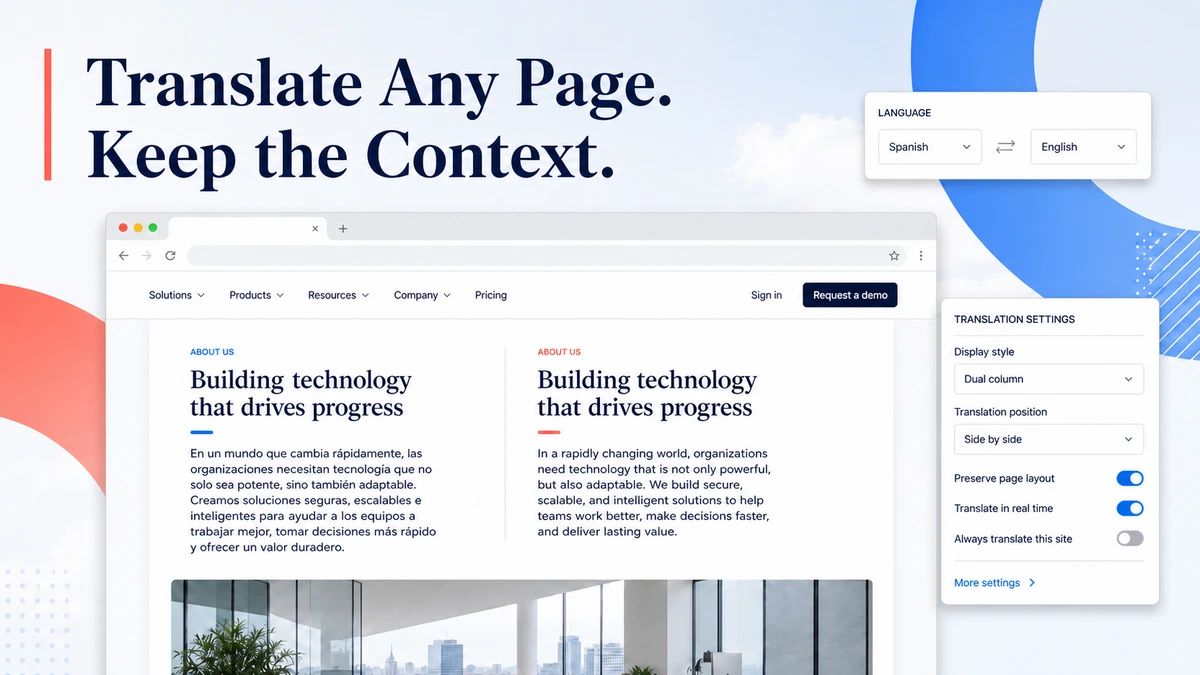
Translate overseas company sites, product pages, news, and research in place. Keep the original text beside the translation so names, numbers, links, and surrounding details stay easy to check.
Why TradeGo AI Translator
Understand Overseas Websites Without Breaking Your Research Flow
Researching overseas companies often means copying paragraphs into another tab, switching back to check a name or number, and then searching for your place again. The page becomes harder to understand as the work is split across windows.
The business problem
Copy, Paste, Switch Tabs, and Lose Your Place
Important names, product details, dates, addresses, and links become separated from the paragraph or page where they appeared, making business research slower and easier to misread.
The change
Read the Translation Where the Information Appears
TradeGo AI Translator keeps the original page visible and places the translation alongside it, so your team can understand the page while still checking the source text.
What the translator helps you do
Read Important Foreign-Language Pages With More Confidence
Use the bilingual page to review overseas companies, products, market news, documentation, and other business information without repeatedly leaving the website you are researching.
Read
Compare Original and Translation
See translated text with the original page so you can understand the message and verify important wording in the same place.
Check
Keep Names, Numbers, and Links in View
Follow company names, specifications, prices, dates, addresses, and source links without separating them from the surrounding page.
Continue
Move Through Long Pages Without Copying
Read more of the page in your normal browsing flow instead of sending one paragraph at a time to a separate translation tab.
Example workflow
From a Foreign Company Website to Clear Bilingual Notes
This example shows how a user opens an overseas website, reads it bilingually, and checks the details needed for company or product research.
01 · Open the page
Open an Overseas Company or Product Page
Visit the public website you need to understand, such as a company profile, product page, industry article, or market source.
02 · Translate in place
Read the Page With Original and Translated Text
Choose the language you want to read and let the extension place the translation with the source content on the same page.
03 · Check the details
Understand the Page Without Losing Your Place
Review names, numbers, links, specifications, and surrounding paragraphs before recording the information your team needs.
Keep approved findings in your company knowledge, review an overseas page with the Landing Page Analyzer, or compare available plans and credits.
Bilingual browser reading
Keep the Original Page Visible While You Read the Translation
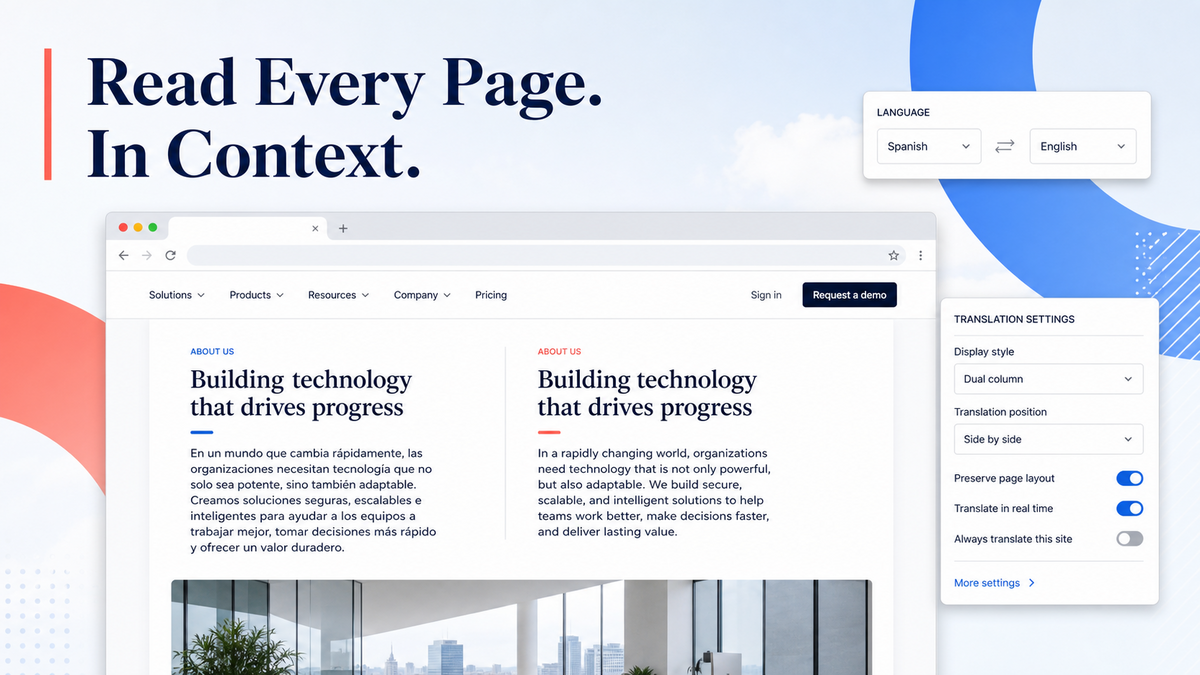
Open the extension from Chrome when a foreign-language website slows you down. Read the translated text in place while the original wording, page layout, names, numbers, and links remain available for review.
- Read overseas company, product, market, and industry websites in your chosen language.
- Compare the translation with the original wording before recording important details.
- Stay on the source page instead of copying each section into a separate translation tool.
How the translator works
A Simple Path From Foreign Page to Clear Understanding
Install and connect the Chrome extension once, then use it whenever an overseas website would otherwise interrupt your research.
Step 1
Open the Website
Go to the foreign-language company, product, news, or research page you need to understand.
Step 2
Choose the Reading Language
Select the language you want to read while keeping the original page available for comparison.
Step 3
Translate the Page
Start the translation and continue reading the content where it already appears in the website.
Step 4
Review Important Details
Check names, figures, terms, links, and critical wording against the original before using the information.
The reading result
Bilingual Page Reading You Can Check as You Go
The translated text stays with the source page, making it easier to understand the overall message and verify important details without rebuilding the page in another tool.
Before you start
Who This Translator Is For and What Your Team Should Still Check
Use the translator to understand foreign-language websites faster, while keeping final business decisions and high-stakes wording checks with your team.
Who it is for
Made for Teams Working Across Languages
The extension is designed for exporters, sourcing teams, international sales teams, marketers, and business owners who regularly read overseas company, product, market, and industry websites.
Important boundary
Check Important Details Before Acting
Machine translation supports reading and research. Confirm legal language, technical specifications, regulatory requirements, financial terms, and other high-impact wording with the original source and qualified specialists before acting.
Common questions
Questions Before You Translate a Foreign Website
Direct answers about supported pages, bilingual reading, installation, page updates, and when professional translation is still necessary.
Ready to start
Read One Foreign-Language Website Without Switching Tabs
Open the overseas company, product, or market page you need to understand and keep the source text beside the translation.
Start in Chrome
Open the Translator Workspace
Download the extension, connect your TradeGo AI account, and start reading foreign-language websites bilingually.
Want to compare access first?